
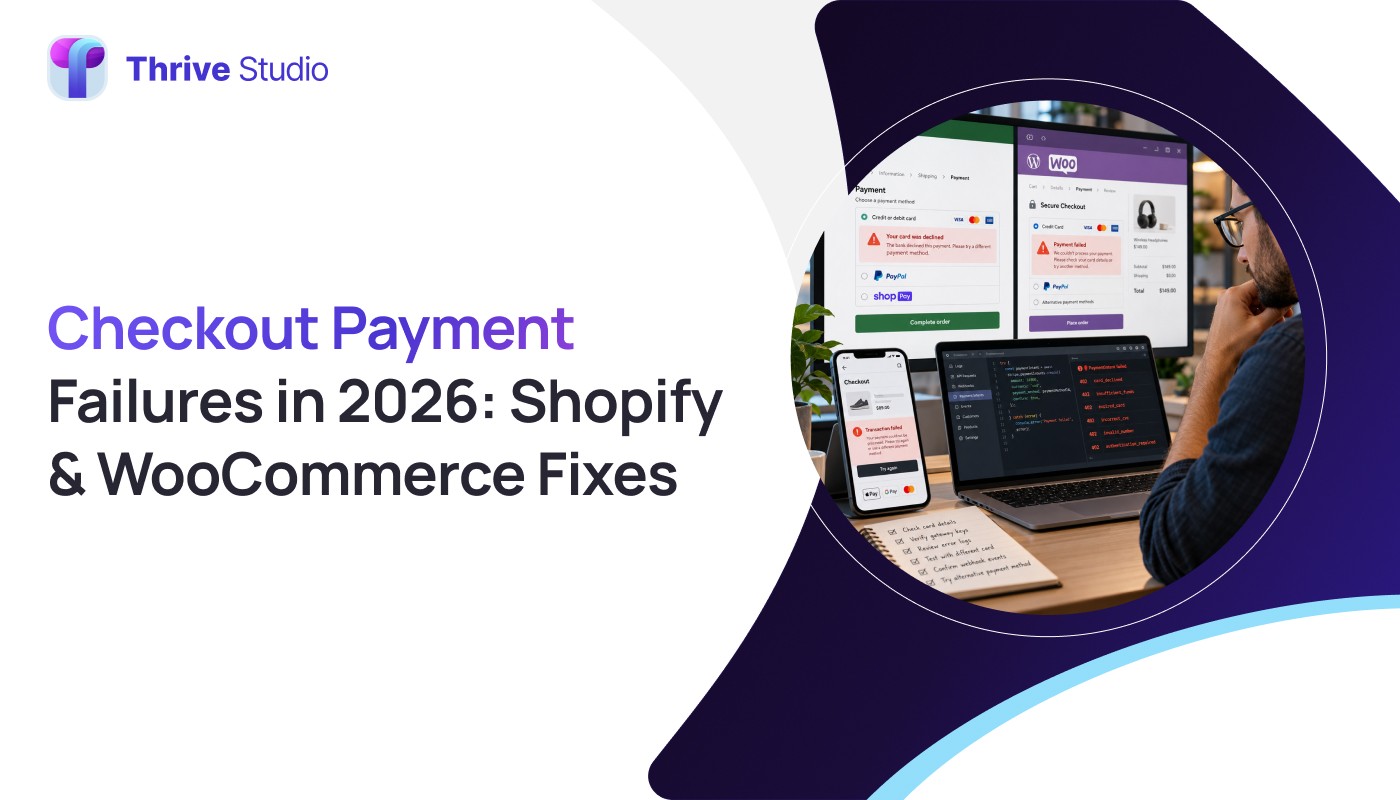
Imagine a customer completing checkout on your online store. They enter their payment information, click Place Order, and wait. Instead of an order confirmation, they see an error message.
Minutes later, the customer contacts your support team:
“My payment went through, but I never received an order confirmation.”
For ecommerce businesses, this is more than a frustrating technical problem. It can create abandoned purchases, duplicate orders, refund requests, customer complaints, and unnecessary operational costs.
In 2026, ecommerce checkout payment failures deserve more attention than simply improving checkout design.
According to research published by WooCommerce and Stripe in October 2026, failed transactions were the leading checkout-related abandonment reason reported in their survey, accounting for 28% of cited reasons among shoppers who abandoned checkout.
The important distinction is that not every failed transaction represents a customer’s bank declining their card.
Some failures involve processing timeouts, communication interruptions, checkout configuration issues, or delayed updates between payment providers and ecommerce platforms.
This guide explains how to investigate these problems in Shopify and WooCommerce, identify the potential cause, and prevent avoidable payment failures.
Why Ecommerce Payments Fail Even When a Customer Has Enough Money
A checkout transaction involves several systems working together.
The ecommerce platform sends payment information through a payment provider, which communicates with the relevant financial institutions. The result must then be reflected accurately in the store’s order management system.
Problems can occur at different stages.
Common examples include:
- Network interruptions during payment processing.
- Incorrect payment gateway configuration.
- Failed authentication or verification.
- Expired customer checkout sessions.
- Delayed payment notifications.
- Outdated payment integrations.
- Browser or JavaScript conflicts.
- Duplicate checkout submissions.
A successful payment authorization also does not always mean a completed charge has been captured.
Understanding the difference between authorization, capture, failure, and refund is essential before making changes to a transaction.
For stores experiencing repeated payment issues, reliable ecommerce website development should include testing how orders and payments behave under both successful and unsuccessful conditions.
1. Shopify Payment Failed: Where Should You Start?
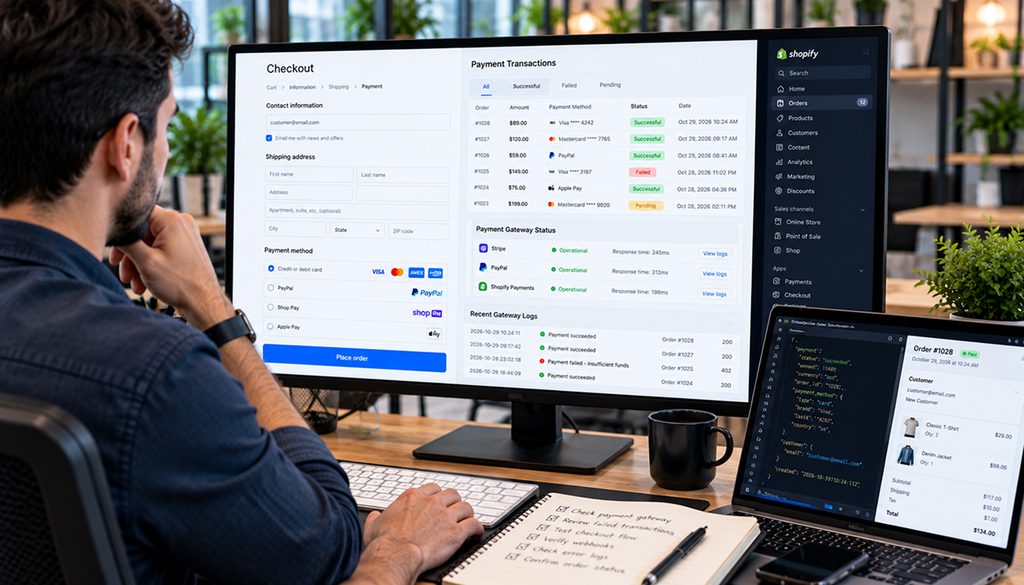
When a Shopify customer reports a payment error, the first step is identifying whether the payment actually failed or whether the checkout process failed to display the correct result.
Start with the Shopify admin.
Review the relevant order if one exists. If no order was created, check the abandoned checkout records and their payment events.
Look for:
- The exact payment error message.
- The approximate transaction time.
- The payment method used.
- Payment authorization or decline information.
- The customer’s checkout activity.
For example, a customer’s payment may be declined by their bank because of authentication requirements or account restrictions.
Alternatively, the checkout may fail because of an interrupted connection or temporary processing issue.
These situations require different solutions.
Shopify’s payment troubleshooting documentation recommends identifying the relevant checkout or order record before attempting corrective action.
If the problem affects every customer, review payment-provider configuration and any reported service incidents before making unnecessary website changes.
Businesses using Shopify development services should also review customizations and integrations when checkout problems appear after a recent website update.
2. WooCommerce Payment Pending: Why Orders Get Stuck
WooCommerce stores sometimes display orders with a Pending payment or On hold status even when customers believe they completed payment.
This can occur for several reasons.
The payment may not have been authorized successfully. The payment gateway may not have returned a confirmation. A webhook or payment callback may have been delayed or interrupted.
An extension conflict can also affect how payment status updates reach WooCommerce.
Begin by checking the order details and notes in WordPress.
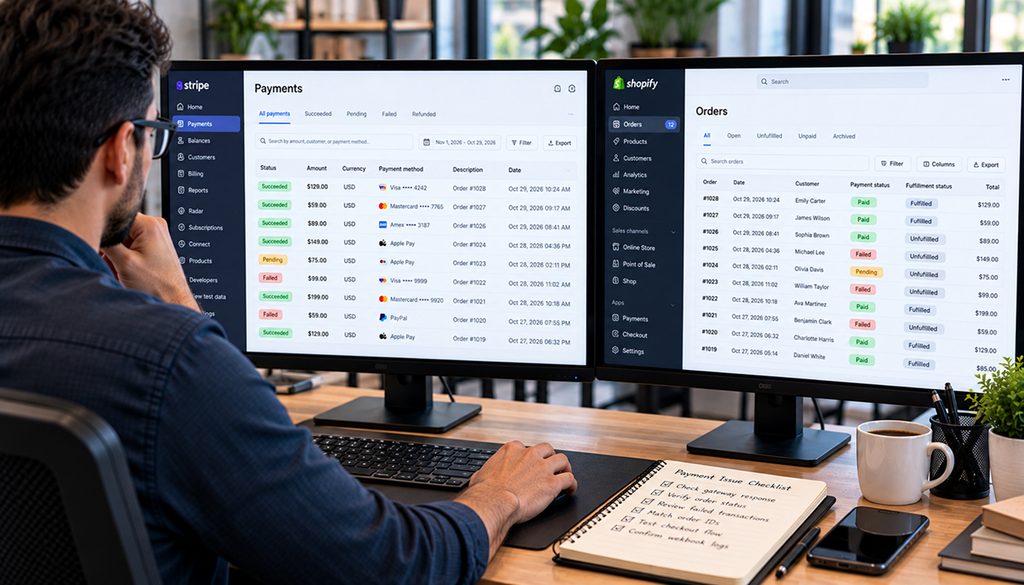
Then compare the payment transaction information with the actual records in your payment gateway dashboard.
The two systems should agree about whether the payment was authorized, captured, failed, or refunded.
If the gateway shows a successful transaction while WooCommerce remains pending, investigate payment notification delivery before changing the order status.
Do not automatically ask the customer to retry payment until you have confirmed the first attempt’s outcome.
Professional WooCommerce development services can help businesses investigate gateway compatibility, order-status synchronization, extension conflicts, and checkout reliability.
3. Customer Charged but No Order Created: What Should You Do?
This is one of the most concerning checkout situations for customers.
A bank statement may show a transaction even though the ecommerce store has no matching completed order.
However, the statement entry may represent either an authorization hold or a completed charge.
These are not the same thing.
An authorization hold temporarily reserves funds but may never result in a captured payment.
A completed charge indicates that the payment was captured.
Before asking the customer to pay again, the store owner should:
- Search the ecommerce platform for an order matching the customer’s details.
- Review pending and abandoned checkout records.
- Check the payment provider’s transaction dashboard.
- Determine whether the transaction was authorized, captured, failed, or refunded.
- Contact the payment provider if the records disagree.
If the customer has genuinely been charged without a corresponding order, resolve the transaction through the provider’s supported reconciliation, refund, or order-recovery procedure.
Never mark an order as paid simply because the customer shares a payment screenshot without verifying the transaction.
4. Why Duplicate Orders Happen During Checkout
A customer clicks Place Order.
The checkout takes longer than expected, so they click again.
The page refreshes, and two order records appear.
This is one possible explanation for duplicate ecommerce orders, but not the only one.
Other potential causes include:
- Multiple checkout submissions.
- Duplicate payment callbacks.
- Browser refreshes during processing.
- Custom checkout code errors.
- Third-party payment plugin conflicts.
- Incorrectly configured staging websites.
- Repeated order-processing actions.
Before deleting an order, compare the payment records.
Two order records do not necessarily mean the customer was charged twice.
Likewise, a single visible order does not prove that only one payment attempt occurred.
Businesses should compare order IDs, transaction IDs, timestamps, captured amounts, and gateway responses.
If duplicate charges occurred, use the appropriate provider-supported refund or reversal process.
5. How Payment Gateway Timeouts Affect Checkout
Not every timeout means the payment failed.
Sometimes the payment provider receives and processes the transaction, but the ecommerce website does not receive the confirmation promptly.
This creates uncertainty.
The customer may see an error even though the payment has already been authorized or captured.
The store may continue displaying a pending order.
To investigate, technical teams should review the relevant transaction IDs, gateway event logs, webhook delivery status, and application errors.
Payment operations should also be designed to handle repeated requests safely, using payment-provider-supported mechanisms such as idempotency keys where applicable.
This reduces the risk of creating duplicate payment operations when the same request is retried.
For custom integrations, careful development and testing are more effective than repeatedly refreshing the checkout or disabling security protections.
6. Test Checkout Performance Before Changing Payment Providers
When checkout stops working, switching payment providers may appear to be the simplest solution.
However, the root cause could be a plugin conflict, server issue, browser script, expired session, or incorrect integration setting.
A structured investigation should evaluate:
- Whether the issue affects all customers or selected users.
- Whether it occurs on mobile, desktop, or both.
- Which payment methods fail.
- Whether the issue started after a recent update.
- Whether the checkout displays JavaScript errors.
- Whether the payment provider reports an outage.
- Whether the store receives expected payment notifications.
Testing should take place in the payment provider’s sandbox environment or a properly isolated staging website whenever possible.
Avoid disabling live payment systems or running repeated real charges solely to reproduce a problem.
Latest Reading: Why Your Website Is Invisible in AI Search
Checkout reliability is essential for ecommerce success, but attracting qualified customers through search engines is equally important. A technically optimized website can support both smoother purchasing experiences and stronger organic visibility.
In our latest article, Why Your Website Is Invisible in AI Search: A 2026 Audit Guide, we explore technical SEO, indexing issues, content quality, and website performance factors that affect visibility in Google Search and AI-powered search experiences.
Discover how businesses can identify SEO weaknesses and improve their website’s foundation for long-term digital growth.
7. Why Checkout Reliability Matters for AI-Assisted Shopping
Shopify’s October 28, 2026 Fall Edition expanded developer capabilities for agent-assisted shopping, including integrations involving catalogs, carts, and checkout.
These developments make reliable transaction handling an increasingly relevant technical consideration.
However, AI-assisted checkout does not eliminate ordinary payment requirements.
Retailers still need accurate prices, inventory validation, secure payment authorization, customer approval, and consistent order records.
If a traditional checkout regularly produces payment errors, integrating additional shopping interfaces will not automatically solve the underlying problem.
Businesses should strengthen payment operations before adding more complex purchasing experiences.
8. Build a Checkout Reliability Audit Checklist
Instead of guessing which checkout issue needs attention, businesses can assess their stores using a simple internal checklist.
| Audit Area | What to Check |
| Payment Configuration | Are payment methods configured and active? |
| Transaction Accuracy | Do payment and order records match? |
| Checkout Performance | Does checkout work reliably across devices? |
| Payment Notifications | Are supported webhooks and callbacks working? |
| Duplicate Prevention | Are retries and repeat submissions handled safely? |
| Customer Communication | Do customers receive clear payment status messages? |
| Error Monitoring | Can the team investigate failures using logs? |
The checklist should be tested after major updates to payment plugins, checkout customizations, or ecommerce platform functionality.
A reliable checkout is not simply one that works during a successful test order. It should also handle declined payments, interrupted sessions, and unexpected processing failures safely.
9. How to Reduce Checkout Payment Failures
Reducing payment errors requires more than changing button colors or simplifying checkout forms.
The most effective improvements depend on the actual failure patterns observed.
For example, stores experiencing gateway timeouts should investigate provider connectivity and transaction handling.
Stores with recurring plugin conflicts may need integration updates or custom development.
Businesses experiencing high abandonment because customers cannot use their preferred payment methods should evaluate relevant payment options based on their audience and operational requirements.
The goal is to identify why customers fail to complete purchases and address the underlying issue.
Tracking checkout errors, payment outcomes, and customer feedback can help teams prioritize practical improvements.
Final Thoughts: Stop Losing Customers to Checkout Errors
Ecommerce businesses invest significant resources in attracting visitors, optimizing product pages, and improving conversions.
Yet even a well-designed store can lose valuable orders when checkout payments fail.
Reliable transaction processing requires clear payment records, properly configured integrations, safe retry handling, responsive checkout functionality, and consistent communication between ecommerce platforms and payment providers.
At Thrive Studio Inc., we focus on building and improving ecommerce experiences that support real business operations.
Whether your store uses Shopify, WooCommerce, or custom ecommerce functionality, investigating checkout problems before they affect more customers is an important part of maintaining a reliable online business.
Need help investigating ecommerce checkout issues?
Explore Thrive Studio Inc.’s ecommerce development solutions to identify technical problems and plan improvements that support a more dependable shopping experience.
Frequently Asked Questions
Why does Shopify say payment failed when the customer was charged?
The customer may be seeing an authorization hold rather than a completed charge, or the payment provider and order records may not have synchronized correctly. Check Shopify’s transaction history and the payment provider’s records before requesting another payment.
Why is my WooCommerce order stuck on Pending payment?
A WooCommerce order can remain pending because payment has not completed, the gateway has not confirmed the result, or payment notifications were delayed. Compare order notes with the gateway dashboard to identify the cause.
Can checkout errors create duplicate orders?
Yes. Repeat submissions, interrupted checkout sessions, integration problems, and duplicate processing events may lead to duplicate order records. However, duplicate orders do not always mean duplicate charges.
How can I prevent duplicate ecommerce payments?
Use the payment provider’s supported transaction safeguards, verify successful payment responses, manage retries carefully, and test checkout integrations after updates. Avoid retrying uncertain transactions before checking their status.
Do payment gateway errors affect ecommerce conversions?
They can. Payment failures interrupt purchases, create customer uncertainty, and contribute to checkout abandonment.
Should I replace my payment gateway if checkout keeps failing?
Not automatically. First investigate provider status, transaction records, checkout scripts, plugin conflicts, and server errors. The best solution depends on the actual cause.