
Choosing the Right Website Platform in 2026
Building a business website starts with an important decision: which platform should you choose?
WordPress and Shopify are two popular options, but they serve different business needs.
WordPress offers flexibility for business websites, blogs, service pages, and online stores through WooCommerce. Shopify focuses on helping businesses sell products through a managed ecommerce platform.
Choosing between them affects website development costs, SEO, customization, security, and long-term maintenance.
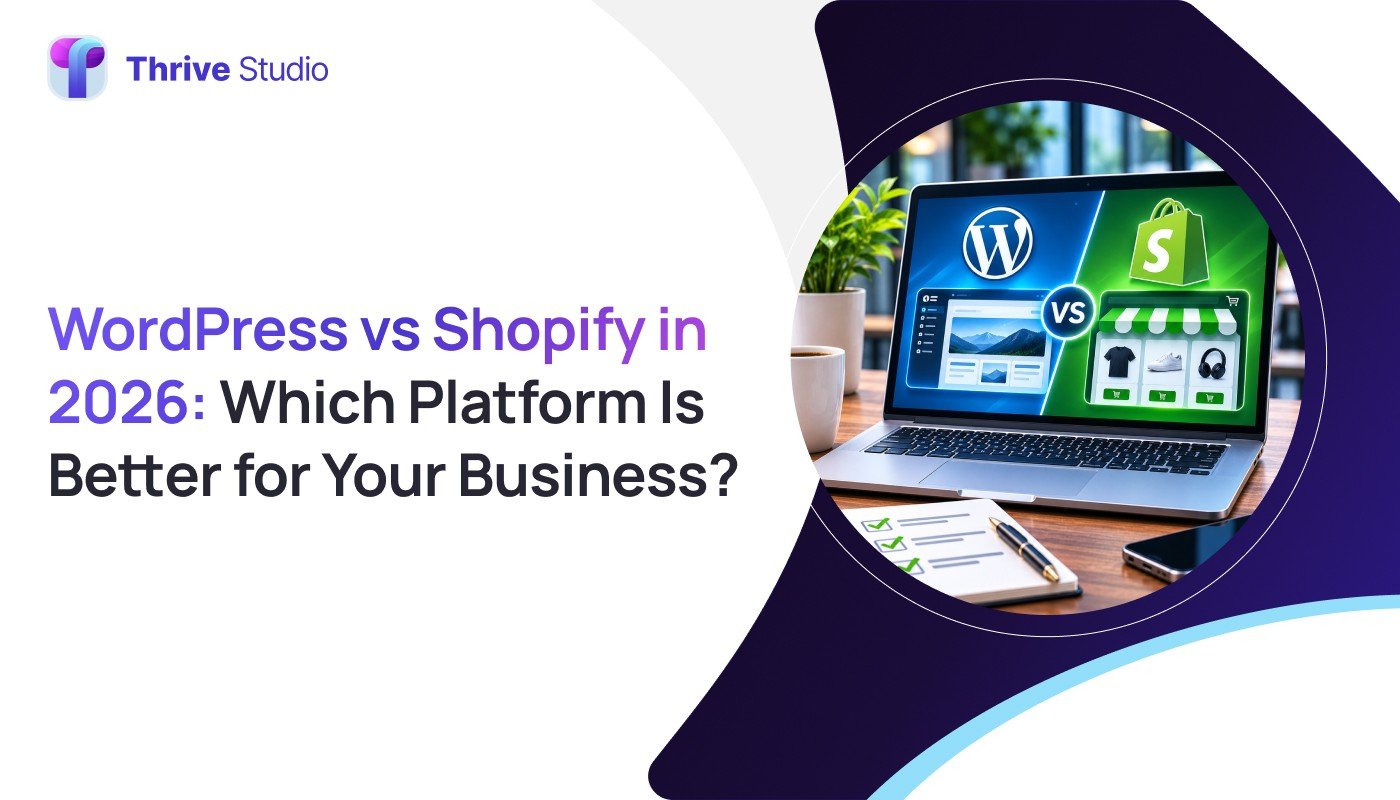
Understanding WordPress vs Shopify 2026 can help business owners select a platform that supports their goals without unnecessary expenses.
This guide compares both platforms and explains which option may be better for your business.
1. WordPress vs Shopify: What’s the Main Difference?
WordPress is an open-source content management system that allows businesses to create and manage different types of websites.
It supports blogs, service websites, portfolios, membership platforms, and ecommerce stores.
To sell products using self-hosted WordPress, businesses commonly install WooCommerce.
Shopify, on the other hand, is a hosted ecommerce platform designed primarily for online selling.
It provides store management, hosting, checkout functionality, inventory tools, and payment integrations.
The main difference is flexibility versus managed convenience.
WordPress provides greater control over website architecture and hosting, while Shopify simplifies many technical responsibilities.
Neither platform is automatically better for every business.
2. Website Development and Monthly Costs
Cost is an important consideration when choosing a platform.
WordPress software is free to download, but businesses must budget for hosting, domain registration, development, maintenance, and potentially premium plugins.
WooCommerce is also free at its core, although extensions and payment processing can introduce additional expenses.
Shopify operates through subscription plans.
Its pricing depends on the selected plan, payment setup, applications, and additional services.
Shopify includes hosting within its subscription, reducing the need to manage a separate hosting provider.
However, paid applications and custom development can increase overall costs.
Businesses should compare total ownership costs over several years rather than focusing only on the initial setup price.
Professional WordPress development services can help businesses plan a website around their actual requirements.
3. SEO: Is WordPress or Shopify Better for Google?
Both WordPress and Shopify can support strong search engine optimization.
WordPress offers extensive control over content, metadata, URLs, internal linking, and technical SEO settings.
Plugins such as Yoast SEO and Rank Math provide additional optimization tools.
Shopify also supports important SEO functions, including editable page titles, meta descriptions, redirects, and automatically generated sitemaps.
However, certain URL structures and platform behaviors are less flexible than on self-hosted WordPress.
For businesses publishing extensive educational content, WordPress can be particularly attractive.
For product-focused stores, Shopify provides a practical foundation for ecommerce SEO.
Ultimately, search visibility depends on useful content, technical accessibility, website performance, and competition—not simply the platform.
Professional SEO services can help businesses improve search performance on either system.

4. Design and Customization Options
WordPress provides extensive design flexibility through themes, plugins, page builders, and custom development.
Businesses can create unique layouts, advanced forms, custom service pages, and specialized functionality.
Popular tools such as Elementor and the WordPress block editor make content management more accessible.
Shopify also supports customized storefront designs through themes, sections, applications, and custom development.
However, some functionality depends on Shopify’s platform capabilities and subscription requirements.
For example, a consulting company needing complex service pages and content sections may prefer WordPress.
A clothing retailer focused primarily on product sales may find Shopify more convenient.
The best platform depends on the type of website experience your customers need.
5. Ecommerce Features and Checkout
Shopify is designed specifically for ecommerce.
Its built-in tools support product management, inventory, discounts, payments, shipping, and order processing.
Merchants can also extend functionality using compatible applications.
WooCommerce transforms WordPress into an ecommerce platform.
It supports product catalogs, payment gateways, shipping methods, subscriptions, and custom purchasing workflows through extensions.
WooCommerce can be useful when a business needs specialized product configurations or integrations.
However, managing multiple plugins requires additional maintenance and compatibility testing.
Businesses can explore Shopify development services or WooCommerce development depending on their store requirements.
6. Website Speed and Performance
Website speed affects customer experience and can influence conversions.
Shopify includes managed hosting and platform-level infrastructure.
This reduces the need for merchants to configure hosting independently.
WordPress performance depends more directly on the hosting environment, theme, plugins, caching, and website configuration.
A properly optimized WordPress website can deliver excellent performance.
Similarly, a Shopify store can become slower when unnecessary applications, large images, or heavy custom scripts are introduced.
Neither platform guarantees perfect speed automatically.
Businesses should regularly test important pages using tools such as Google PageSpeed Insights.
7. Security and Website Maintenance
Security is another major difference.
Shopify manages much of its core platform infrastructure, including hosting-related maintenance and platform updates.
Merchants remain responsible for account security, application permissions, and appropriate business practices.
With self-hosted WordPress, website owners or their developers must manage core updates, plugins, themes, backups, and hosting security.
Outdated plugins and poorly maintained installations can introduce vulnerabilities.
However, WordPress can be secure when properly configured and maintained.
Businesses should consider how much ongoing technical responsibility they want to manage.

8. WordPress vs Shopify: Quick Comparison
| Feature | WordPress + WooCommerce | Shopify |
| Primary purpose | Flexible websites and stores | Ecommerce stores |
| Hosting | Usually managed separately | Included |
| Customization | Extensive | Strong within platform limits |
| SEO | Highly flexible | Built-in ecommerce SEO |
| Checkout | WooCommerce and extensions | Integrated Shopify checkout |
| Maintenance | More owner responsibility | More platform-managed |
| Content publishing | Excellent | Supports blogs |
| Best suited for | Content-rich and custom websites | Product-focused online stores |
9. Which Platform Is Better for Small Businesses?
The answer depends on your business model.
Choose WordPress when:
- Your business focuses on services, blogging, or lead generation.
- You need extensive design or functionality customization.
- You want more control over hosting and website structure.
- Your online store requires specialized WooCommerce features.
Choose Shopify when:
- Your main goal is selling physical or digital products.
- You prefer managed hosting and integrated store tools.
- You want straightforward inventory and order management.
- You want to reduce routine technical maintenance.
Businesses planning significant growth should also consider future integrations, staffing, and operating costs.
Latest Reading: Google Search Console AI Reports 2026
Google Search Console AI Reports 2026: How to Track Your Website’s AI Visibility
Understanding how your website appears in AI-powered search results is becoming increasingly important for businesses.
Our latest article explores Google Search Console’s AI reporting features, how to monitor AI search impressions, and practical ways to improve your website’s visibility through better content and technical SEO.
10. How to Make the Right Platform Decision
Before selecting WordPress or Shopify, identify your business requirements.
Consider whether your website will primarily generate leads, publish content, sell products, or combine several functions.
Next, review your budget, customization needs, technical resources, and long-term plans.
Avoid choosing a platform simply because it is popular.
A successful website should support your customers and remain manageable as your business grows.
Frequently Asked Questions
Is WordPress better than Shopify for SEO?
Both can perform well. WordPress offers greater technical flexibility, while Shopify provides built-in ecommerce SEO features.
Is Shopify easier to maintain than WordPress?
Generally, yes. Shopify manages much of its hosting and platform infrastructure, while self-hosted WordPress requires more direct maintenance.
Can WordPress be used for ecommerce?
Yes. WooCommerce allows WordPress websites to sell products and manage online orders.
Is Shopify more expensive than WordPress?
Not necessarily. Total costs depend on hosting, subscriptions, applications, development, maintenance, and business requirements.
Can I move my website from WordPress to Shopify?
Yes, but migration requires planning for products, content, URLs, redirects, SEO, and functionality.
Which platform is better for a service business?
WordPress is often a strong choice for service-focused businesses needing flexible content, landing pages, and lead-generation functionality.
Build the Right Website for Your Business
Choosing between WordPress and Shopify is not about finding one universally superior platform.
WordPress offers flexibility and control, while Shopify provides a convenient environment for managing ecommerce operations.
At Thrive Studio Inc., we help businesses design, develop, and optimize WordPress and Shopify websites.
Whether you’re launching a new website, expanding an online store, or improving an existing platform, our team can help you choose a practical solution.
Contact Thrive Studio Inc. to discuss your website development goals.